How to Build an AI Agent That Keeps Working While You're Offline
Learn how AI agents handle daily tasks autonomously and stay running when you're offline — and how startups and SMEs in Delhi NCR can build one.
Kartik Gauttam
Community
4 min read
TechZolo Journal
How to Build an AI Agent That Keeps Working While You're Offline
Most people's experience of AI is still one-shot: open a chat window, type a question, get an answer, close the tab. That's a tool. An AI agent is different — it's software that keeps working on your behalf, on its own schedule, whether or not you're at your desk.
For startups and SMEs juggling inboxes, follow-ups, and repetitive admin, that difference is the whole point. This guide walks through what an AI agent actually is, how it keeps running when you go offline, and how to get one built for your business.
What makes something an "agent" instead of a chatbot?
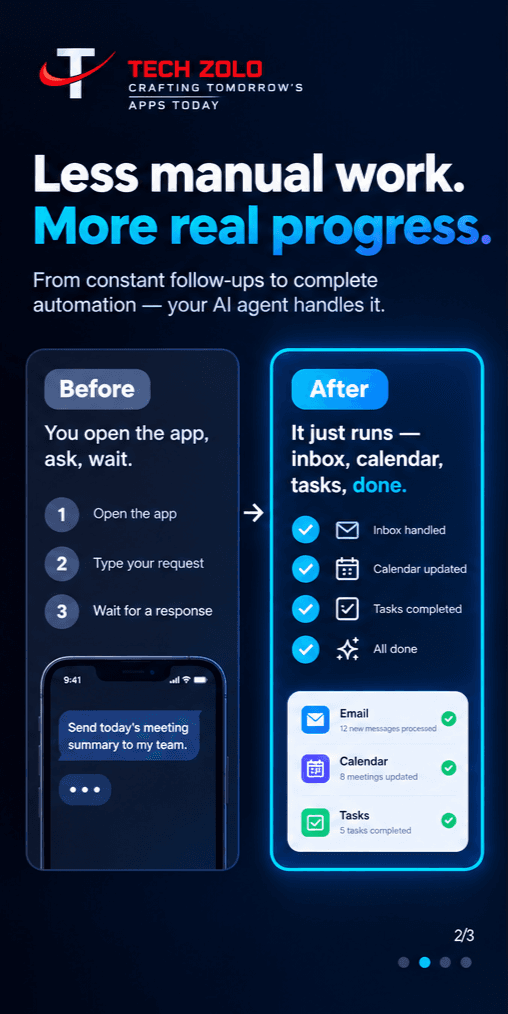
A chatbot answers what you ask it, right now, and then stops. An agent is given a goal and a set of tools — your inbox, calendar, CRM, task tracker — and it plans and executes the steps to get there on its own, often across many small actions in a row. It only pings you when something genuinely needs a human decision.
That shift, from "ask and wait" to "set a goal and let it run," is what's made agents useful for real daily operations rather than just Q&A.
Why "runs while you're offline" is the part that matters
An agent that only runs inside your open browser tab isn't really autonomous — it stops the moment you close the laptop. The agents that actually save time are deployed somewhere that keeps running independently of your device:
A small always-on server, with the agent running as a background service and a scheduler triggering it at set times or intervals.
A managed cloud schedule, where a provider runs your agent's workflow on their infrastructure at set times, with no server for you to maintain.
A restart policy, so if the process crashes or the server reboots, the agent comes back up on its own instead of silently going quiet.
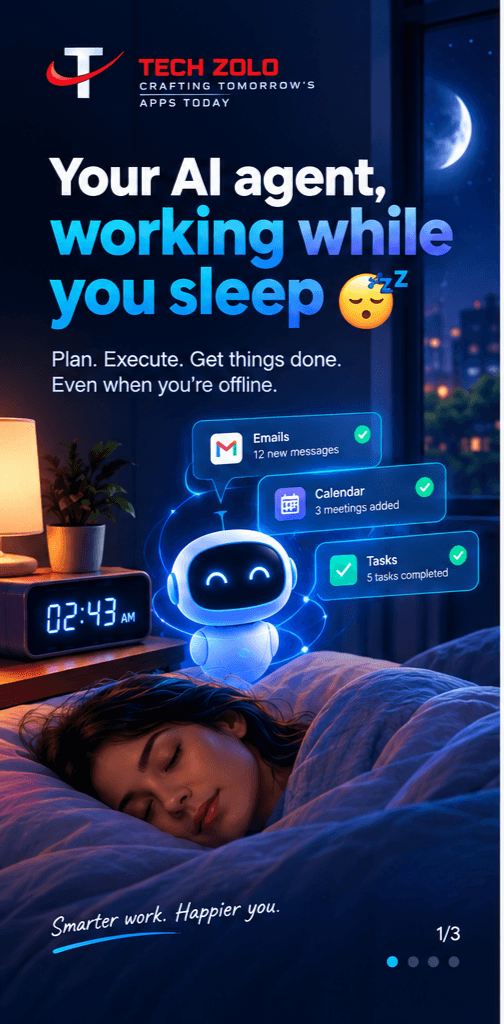
With any of these in place, the agent keeps triaging emails, updating records, or generating reports overnight or over a weekend, and simply has a summary of what it did waiting for you when you're back online.
What businesses are actually using agents for
The common thread across most practical use cases isn't anything exotic, it's routine, repeatable work:
Sorting and drafting responses to incoming email. Following up on leads or unanswered client messages. Updating a CRM or spreadsheet after a call or form submission. Pulling together a daily or weekly summary report. Monitoring a website, form, or inbox for something that needs attention.
None of this requires full "hands-off the business" autonomy. Most well-run agents are set up with clear guardrails: they act automatically on routine steps and pause for a human decision on anything higher-stakes.
Getting started without hiring a developer
You don't need to build this from scratch. The building blocks — scheduling, integrations with email, calendar, and CRM tools, and hosting — are increasingly standard, which means a small agency can assemble a working agent for a specific business in days, not months, tailored to the tools you already use.
Build one for your business
At Techzolo, we design and deploy custom AI agents for startups and SMEs across Delhi NCR and North India, wired into the tools you already use, hosted so they keep running while you're offline, and scoped with clear limits so you stay in control.
Get in touch if you'd like to talk through what a first agent for your business could handle.
Gallery
More From This Story